

Software
Self-service check-in
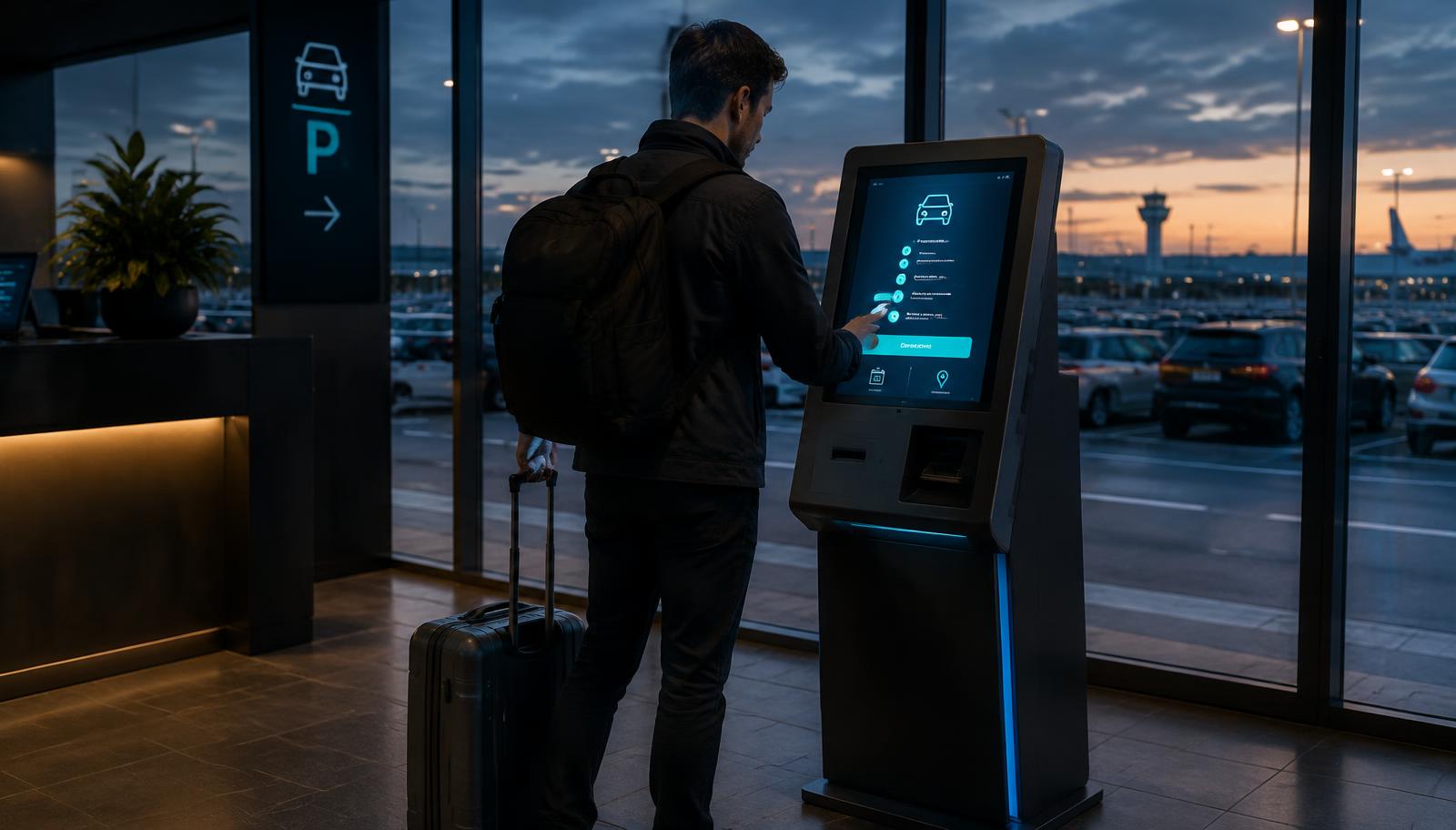
Customers check themselves in at a kiosk with a monitor or a touchscreen at the counter. This saves valuable time during busy periods and prevents queues.
Request a demoNo queues during busy periods
At peak times, multiple customers check in simultaneously, without additional staff.
Keep staff available
Your team helps where needed: enquiries, valet parking and shuttle services.
Kiosk or counter
A freestanding kiosk with a monitor or a touchscreen at your counter, in your branding.
Connected to ParkingPro
Works with both direct and partner bookings, immediately in the same daily list.
Checked in in four steps
- 1
Registration number or QR code
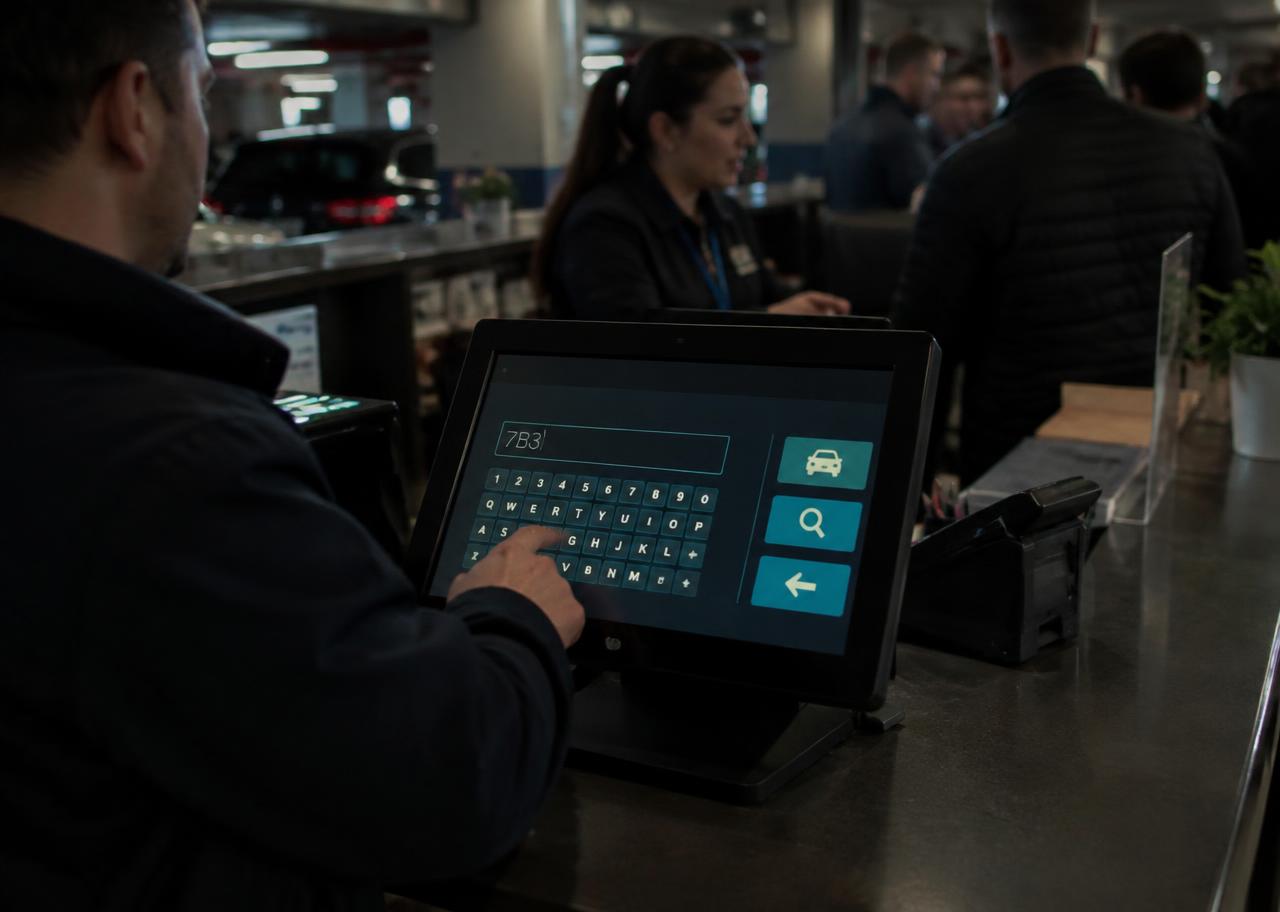
The customer scans the QR code from their confirmation or enters their registration number on the screen.
- 2
Check details
The booking, flight number and contact details appear immediately; the customer updates anything that needs changing.
- 3
Outstanding payments or extras
Any outstanding balance or additional services such as a car wash are paid for on the spot.
- 4
Checked in
The status appears immediately in the daily list. Hand over the keys or drive on — done.
A calm counter, even on the busiest morning
- Multilingual screen in the customer's language
- Registration number, QR code or booking reference
- Additional payments through your existing payment integration
- Help button that immediately alerts a staff member