
Is the public booking form a real offer?
No. It's a booking example with demo data for product exploration. Request a software demo for operators on the separate demo page.
Europe's no. 1 Parking Management System


ParkingPro · B2B
A parking booking system needs to do more than just accept a reservation. It needs to bring together available capacity, the right service and the later on-site process. With ParkingPro, parking operators connect their online sales to centralized management – via Pro Booking Forms or their own form with an API connection.
01 / ParkingPro
Even at product selection, it must be clear what's being booked: shuttle or valet, outdoor area or covered space, and the desired period. A clear booking flow makes these differences visible. ParkingPro links the chosen period and product to centralized rate and capacity management.
For operators, it's essential that the offer matches the later process. A valet booking needs different handover details than a shuttle parking space. We discuss not only the form's appearance, but also what information your team needs and which products should actually be sold separately.
02 / ParkingPro
When a customer changes the period, price and availability must match. A static price list on the website isn't enough for that. ParkingPro supports centralized display of rates and available spaces, so the booking flow works from the same data as management.
We also look at your seasons, different parking products and distribution across other sales channels. A reservation shouldn't end as an isolated form message; it must be assigned to the right product and findable in your team's operational lists. Which channels are specifically connected is determined during setup.
03 / ParkingPro
With Pro Booking Forms, you can get to know the platform's booking flow. The public booking example shows product selection, options, dates, summary and confirmation as a demo. It does not process a real parking reservation and should be distinguished from your later production booking flow.
If you want to keep your own website or a custom-built form, your developers can use the ParkingPro API. Availability and pricing can be queried and reservations created. Documentation, access rights and the exact process are coordinated with support@parkingpro.eu; specific endpoints are not assumed here.
See how ParkingPro fits your parking operation.
Request a demo04 / ParkingPro
After the online checkout, the on-site work begins. Reservation, vehicle and planned return need to align for the team. The Driver App complements this with check-in, check-out, photos and signatures. The booking flow doesn't end with a confirmation; it provides a foundation for the later handover.
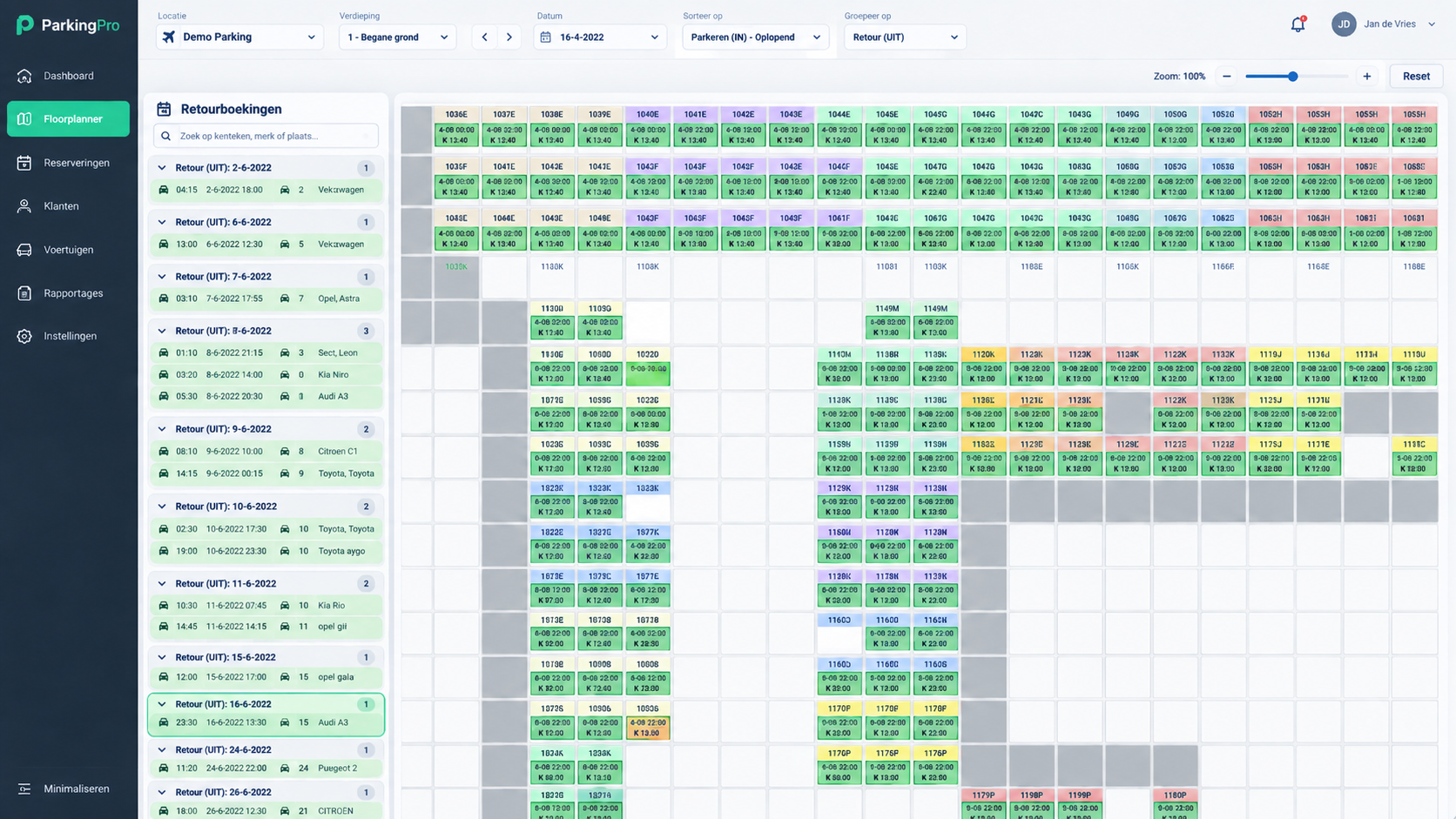
For airport parking, current flight times can enhance day planning. For valet and shuttle with keys held on-site, Floorplanner Pro can represent the spatial side. Which modules you actually need depends on your processes. In a demo we walk through the full path of a sample booking.
05 / ParkingPro
Don't compare systems only by the form's landing page. Check a longer stay, a different parking service and a period with tight capacity. What matters for your business is how the result appears in management and day lists, and what information staff see for arrival and return.
Prepare a list of your products, rates and key booking channels. If you want to use your own form, involve your agency or development team early. This way, display, data requirements and integration can be discussed together before a production switch is planned.
No. It's a booking example with demo data for product exploration. Request a software demo for operators on the separate demo page.
Yes, your own form can use the API to query availability and pricing and create reservations. You coordinate the technical implementation with our support.
API requests go to support@parkingpro.eu. Describe your website, required functions and the responsible development team.
Your parking products, rate logic, booking channels and handover process help show the flow in a targeted way.