
Does ParkingPro have an official partnership with Parkos?
This page does not establish official partner status. Ask our team to confirm the available connection scope and the requirements for your account.
Europe's no. 1 Parking Management System


ParkingPro · B2B
Many airport parking operators sell capacity through comparison and booking platforms such as Parkos alongside their own website. ParkingPro is built around a central booking and capacity engine, which means any channel a location sells through — including Parkos — needs to read from and write to the same availability and pricing data to avoid double bookings. This page explains how such a connection is generally approached, what questions need answering before any integration work starts, and what operators should keep in mind when discussing this with both ParkingPro and Parkos.
01 / ParkingPro
ParkingPro's core is a central booking and capacity engine: every space, every price rule and every reservation is recorded in one place so that staff, the operator's own website and any connected sales channel are all looking at the same numbers. When a third-party platform like Parkos sells a parking slot, that sale needs to reduce the same pool of capacity that your own site draws from — otherwise locations risk overselling or showing incorrect availability. This is the starting point for any conversation about connecting ParkingPro to an external channel.
Because channel pricing is also managed centrally, operators who work with multiple sales channels can, in principle, maintain different rate strategies per channel without having to update each platform separately. Whether and how this applies to a Parkos connection depends on the specific technical and commercial setup agreed between the parties, and should be discussed directly with your ParkingPro contact before any assumptions are made about scope or functionality.
02 / ParkingPro
Before activating a Parkos connection, confirm account mapping, commercial arrangements and the technical scope for your location. We review the required data exchange with you, including which availability, pricing and booking details need to move between systems. This page does not establish official partner status or assume the same setup applies to every operator.
Operators considering this route should treat it as a project with its own discovery phase: mapping current Parkos listings, understanding how capacity is currently synchronised (if at all), and identifying any gaps between what Parkos expects to receive and what ParkingPro's central engine can currently provide. Only once these points are clarified can a realistic plan and timeline be put together.
03 / ParkingPro
If a connection is set up, bookings originating from Parkos would ideally appear in the same operational workflow that staff already use for walk-in and direct website bookings. This matters on site: ParkingPro's Driver App is used by staff to record photographs of each vehicle and capture a customer signature at drop-off and collection, which supports dispute handling and condition records regardless of which channel the booking originally came from.
Live departure and arrival times can support airport parking planning, with optional gate information. Which flight details are supplied by a connected channel and linked to a booking must be confirmed in the integration scope. Flight information helps your team plan; no automatic gate assignment or flight-based pricing is implied.
See how ParkingPro fits your parking operation.
Request a demo04 / ParkingPro
Because every operator's contractual relationship with Parkos, and every location's technical setup, is different, the right first step is a direct conversation rather than assuming a ready-made integration exists. Operators should come prepared with details of their current Parkos listing arrangement, their expected booking volumes through that channel, and any existing technical documentation they may have received from Parkos.
ParkingPro's team can then assess, together with the operator, what is realistically achievable, what would need to be clarified or agreed with Parkos directly, and what the likely scope and sequencing of any project would look like. This measured approach avoids overpromising a connection that has not yet been verified and keeps expectations aligned with what can actually be delivered.
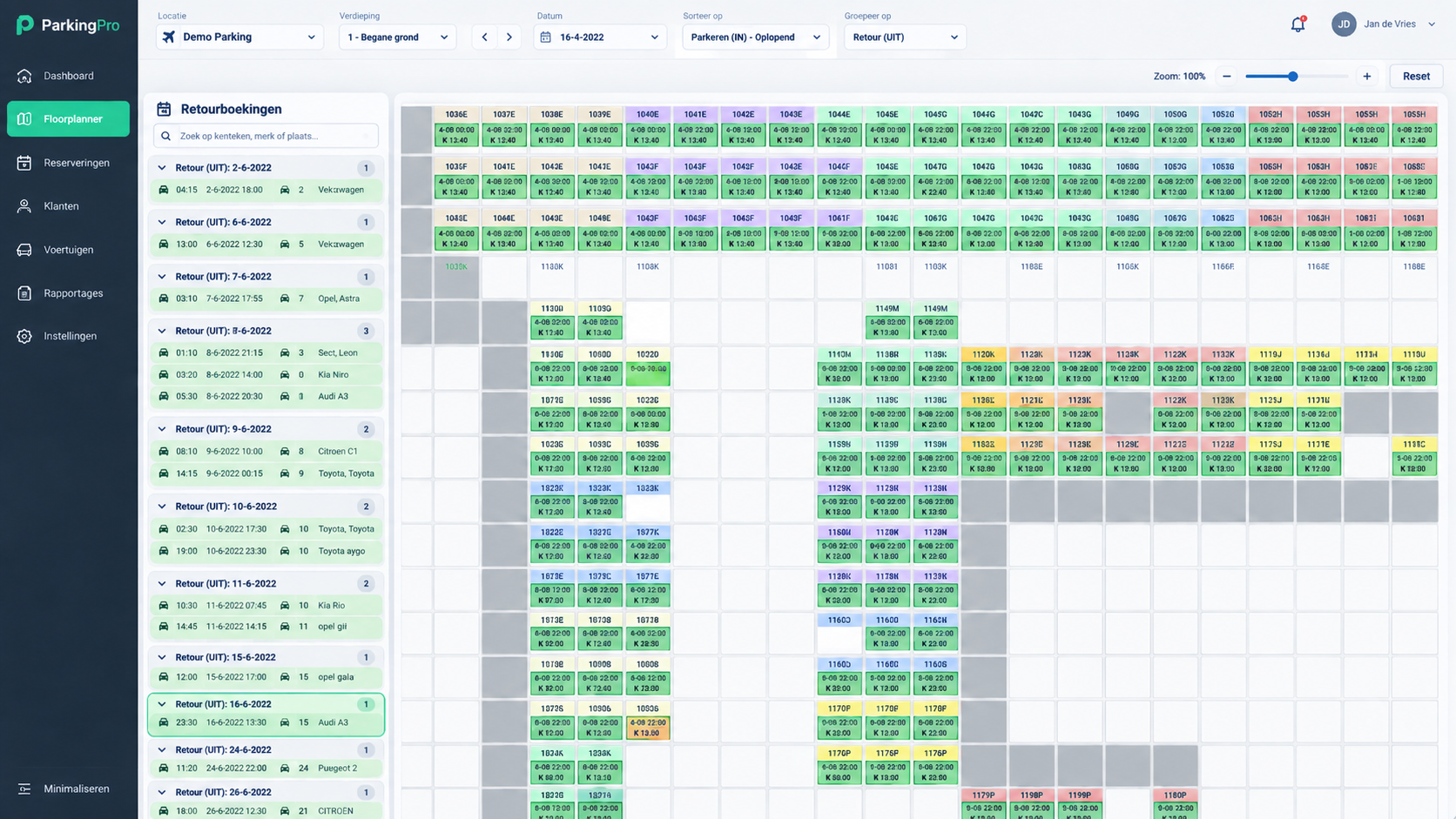
This page does not establish official partner status. Ask our team to confirm the available connection scope and the requirements for your account.
The activation requirements depend on your account and the confirmed connection scope. We check access, product mapping and the required data flows with you before agreeing the next steps.
If a connection is established and bookings flow into the central booking engine, they can be handled through the same on-site tools, including the Driver App used for vehicle photos and signatures, in line with how the connection is configured.